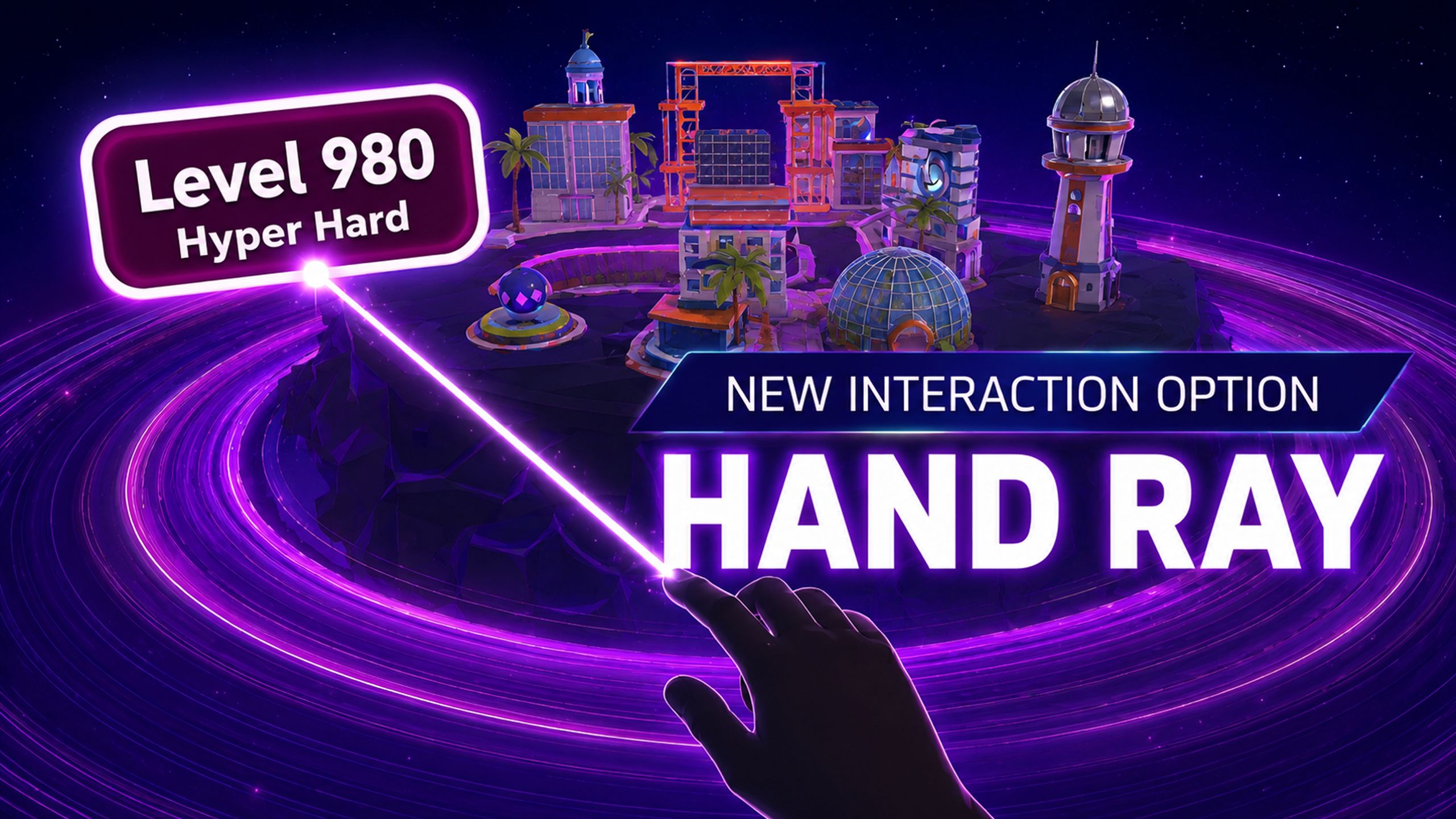
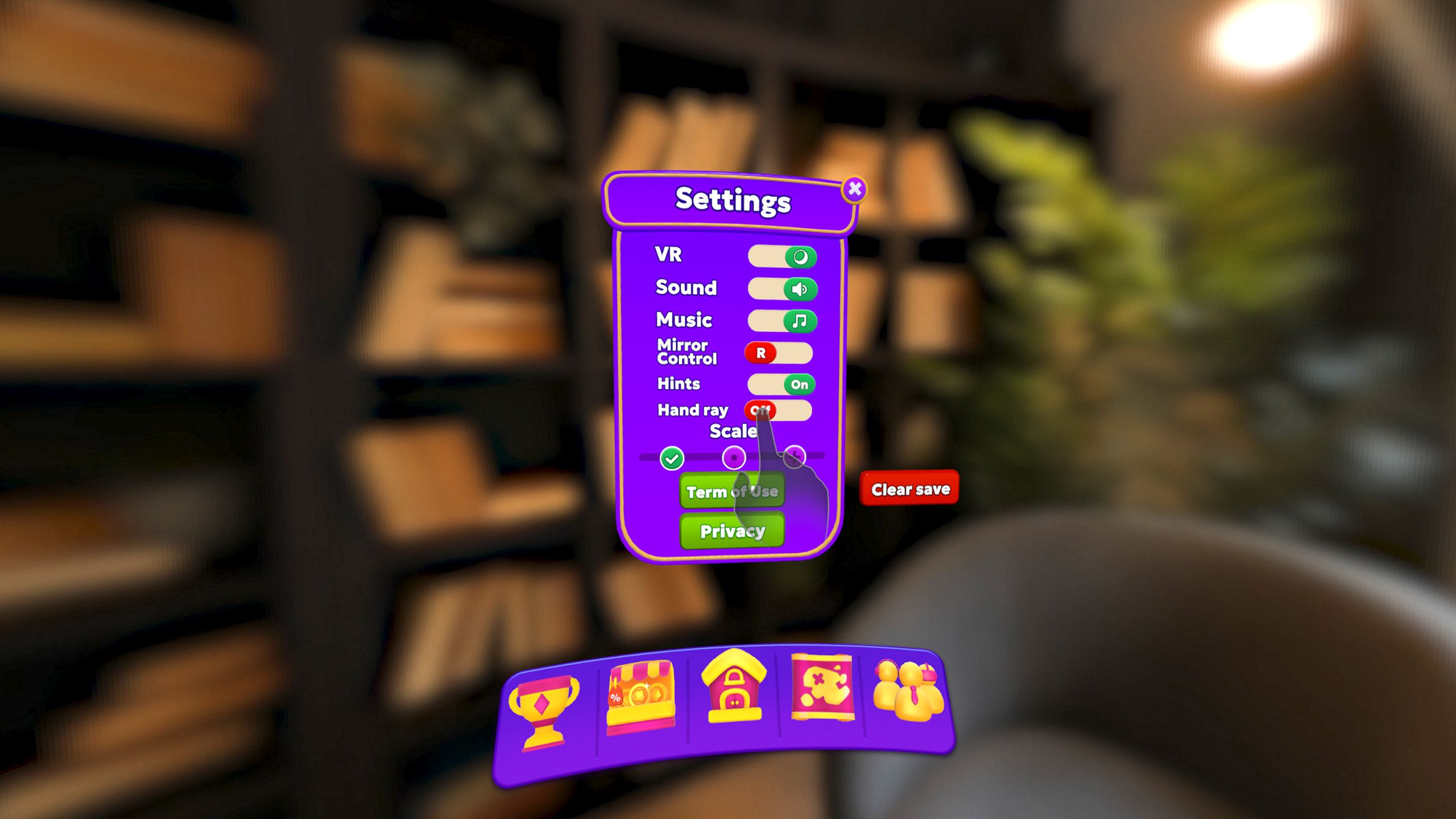
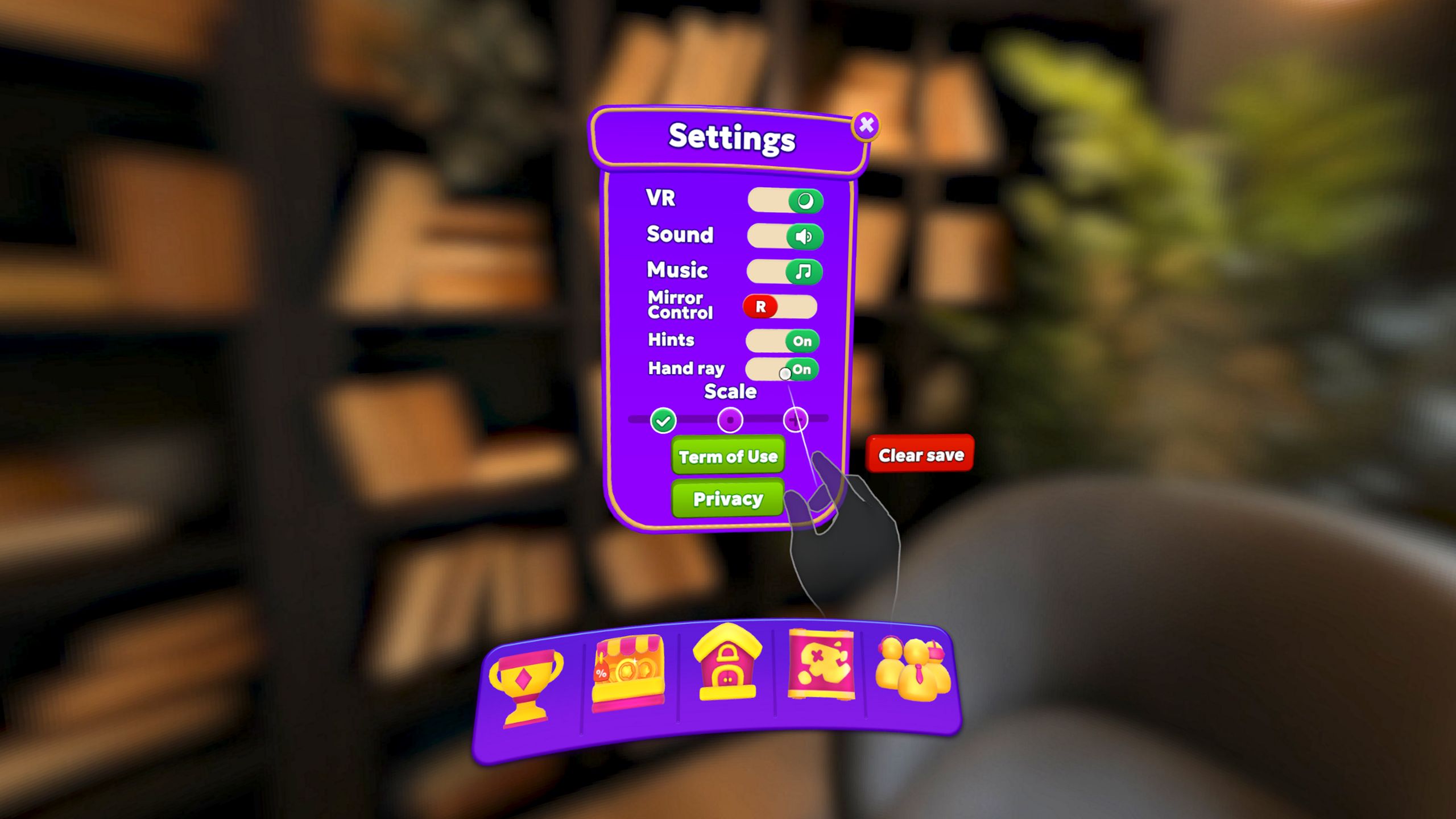
At JollyCo, we believe that Mixed Reality (MR) should feel like a natural extension of your own hands. We previously shared our Hand Tracking Tips for moving and scaling your board. Today, we are excited to announce a major update: the Hand Ray option!
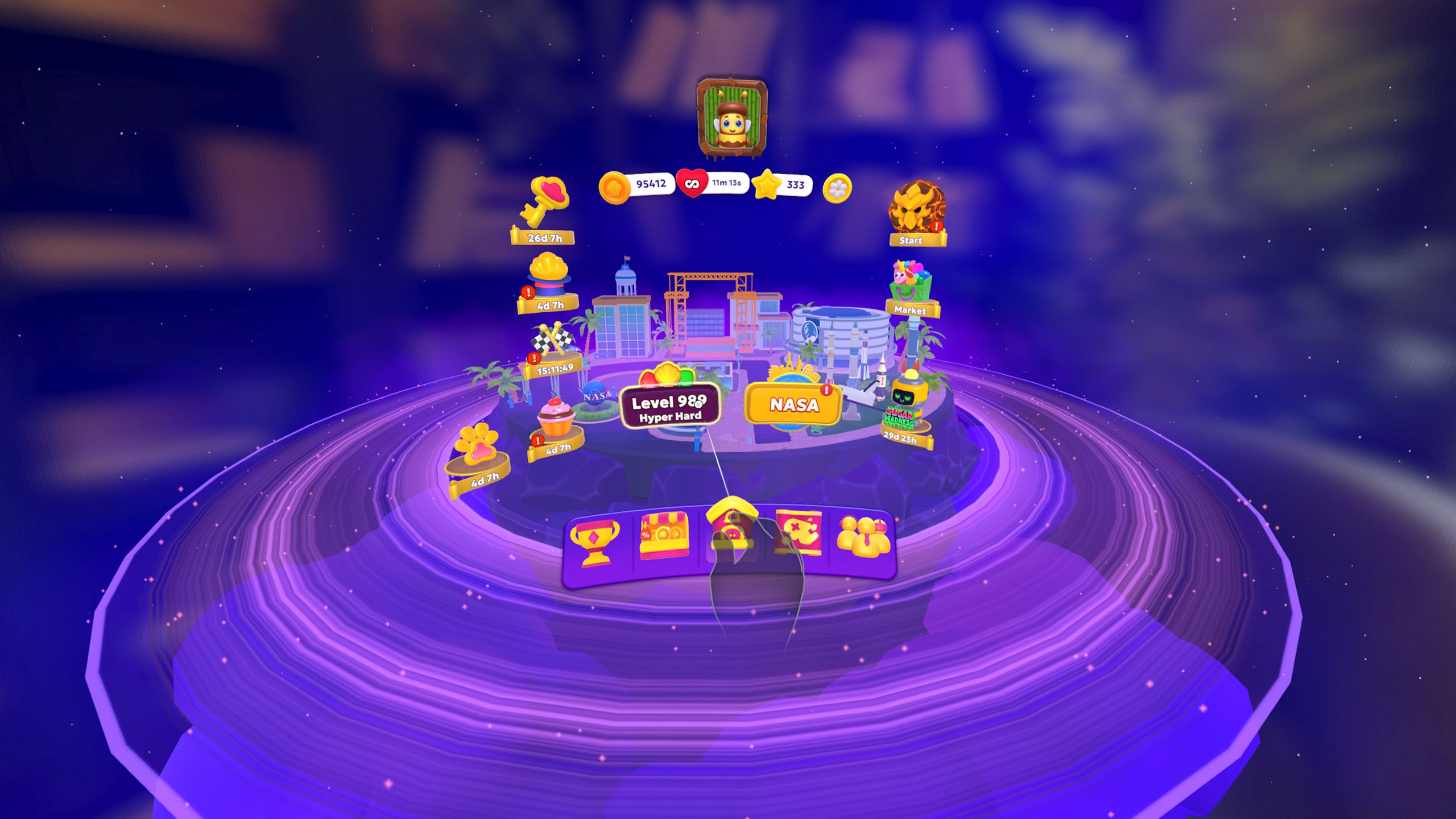
By incorporating the latest professional standards from Meta Horizon OS, we’ve refined how you interact with your puzzles to make Jolly Match 3 MR more comfortable, precise, and immersive.
The Star of the Show: Ray Interactions
While direct touch is great for things close to you, Ray interactions are the gold standard for reaching distant objects without physical strain.
How it Works: A virtual ray extends from your hand, allowing you to point at tiles or menu items from across the room.
The Pinch Gesture: To select an item, simply perform a pinch gesture (touching your index finger and thumb together).
Visual Confidence: We’ve implemented “visual affordances”—a sleek cursor and object highlights—so you always know exactly what you are targeting before you pinch.
Using rays significantly reduces fatigue, as it allows you to interact with the game while keeping your arms in a relaxed position, rather than holding them up for extended periods.
 ☝️ Precision at Your Fingertips: Poke Interactions
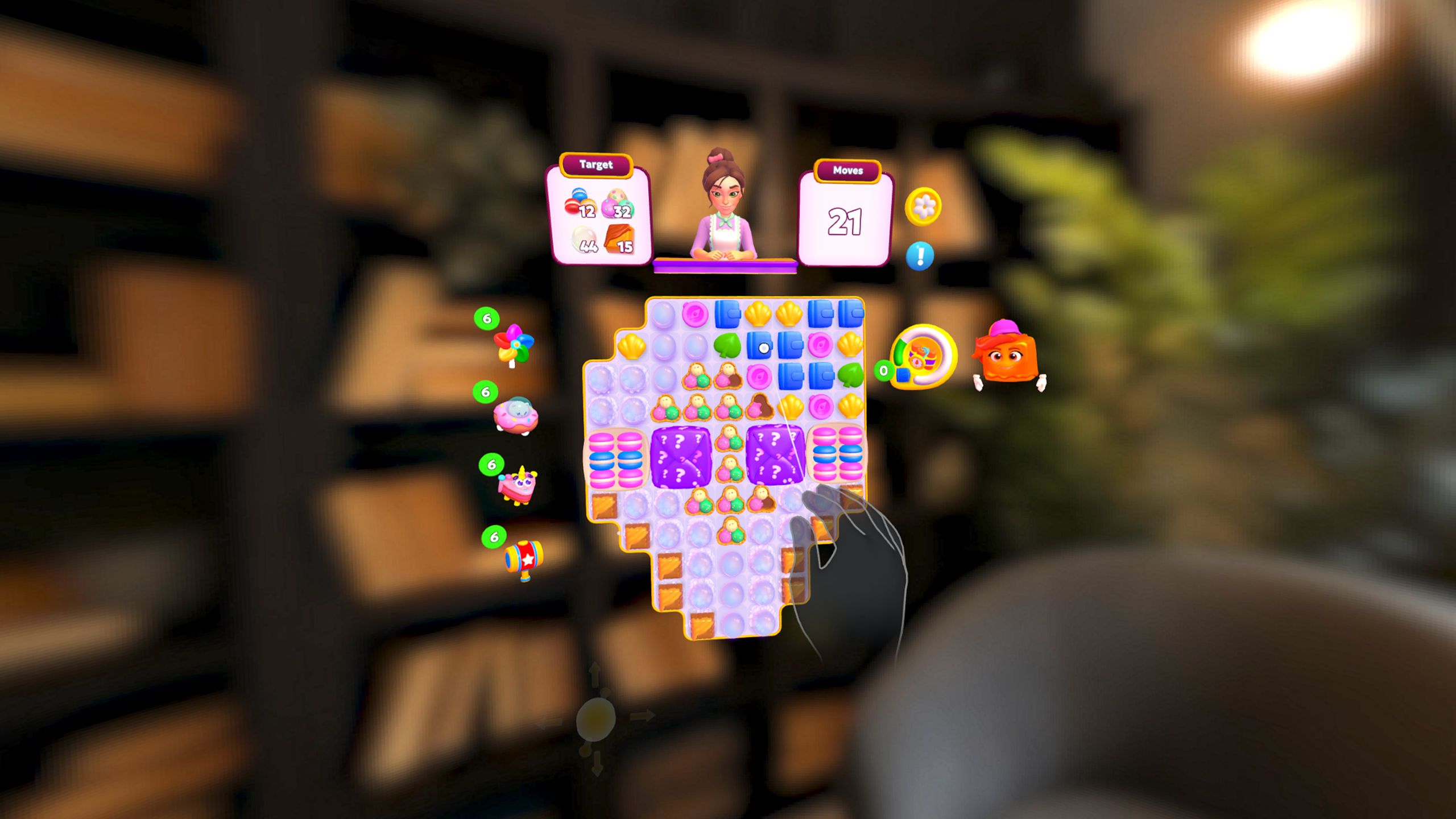
For those moments when the game board is right in front of you, we use Poke interactions. This is the most intuitive way to navigate menus, much like using a touchscreen in the real world.
Index Finger Only: Following Meta’s best practices, we’ve optimized poke for the index finger, which provides the highest tracking accuracy.
Natural Surfaces: We’ve designed our UI buttons to be large enough (at least 22mm) to ensure you never miss a tap.
Tactile Feedback: Since you can’t “feel” virtual buttons, we’ve added clear audio and visual cues to confirm every press, making the interface feel responsive and “clicky”.
🤝 Get a Grip: Grab Interactions
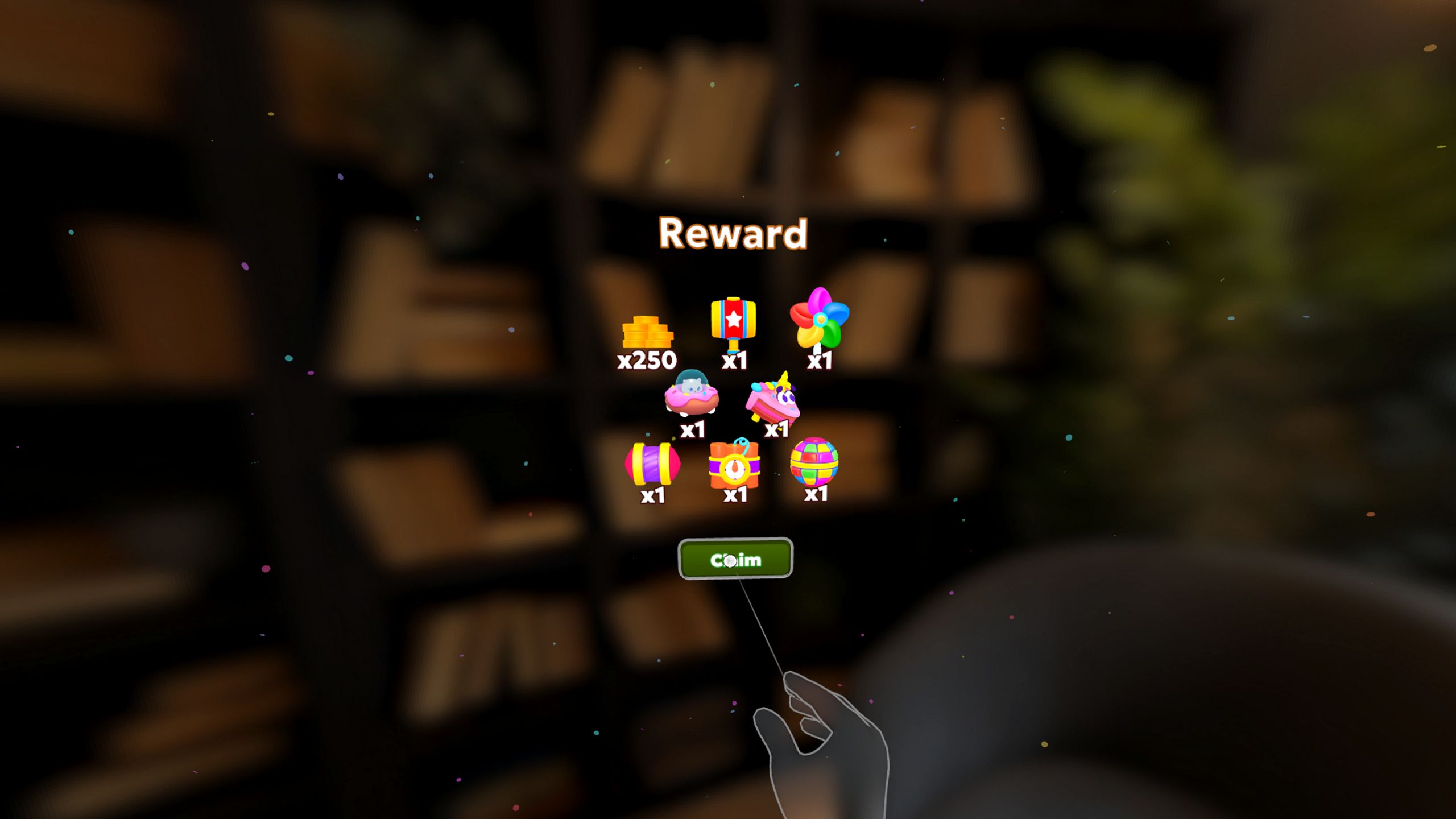
Nothing beats the feeling of actually picking up a game piece. Our Grab interactions allow you to hold virtual objects as if they were real.
Pinch vs. Palm Grab: Depending on the object’s size, you can use a precision pinch (thumb and index) or a palm grab (curling all fingers).
Hand Poses: We use specific hand poses to ensure that when you grab a piece, your virtual hand wraps around it realistically, enhancing your sense of “presence” in the MR space.
 🛠 Mastering the Basics (A Quick Refresher)
As a reminder, you still have full control over your environment using the gestures you already know:
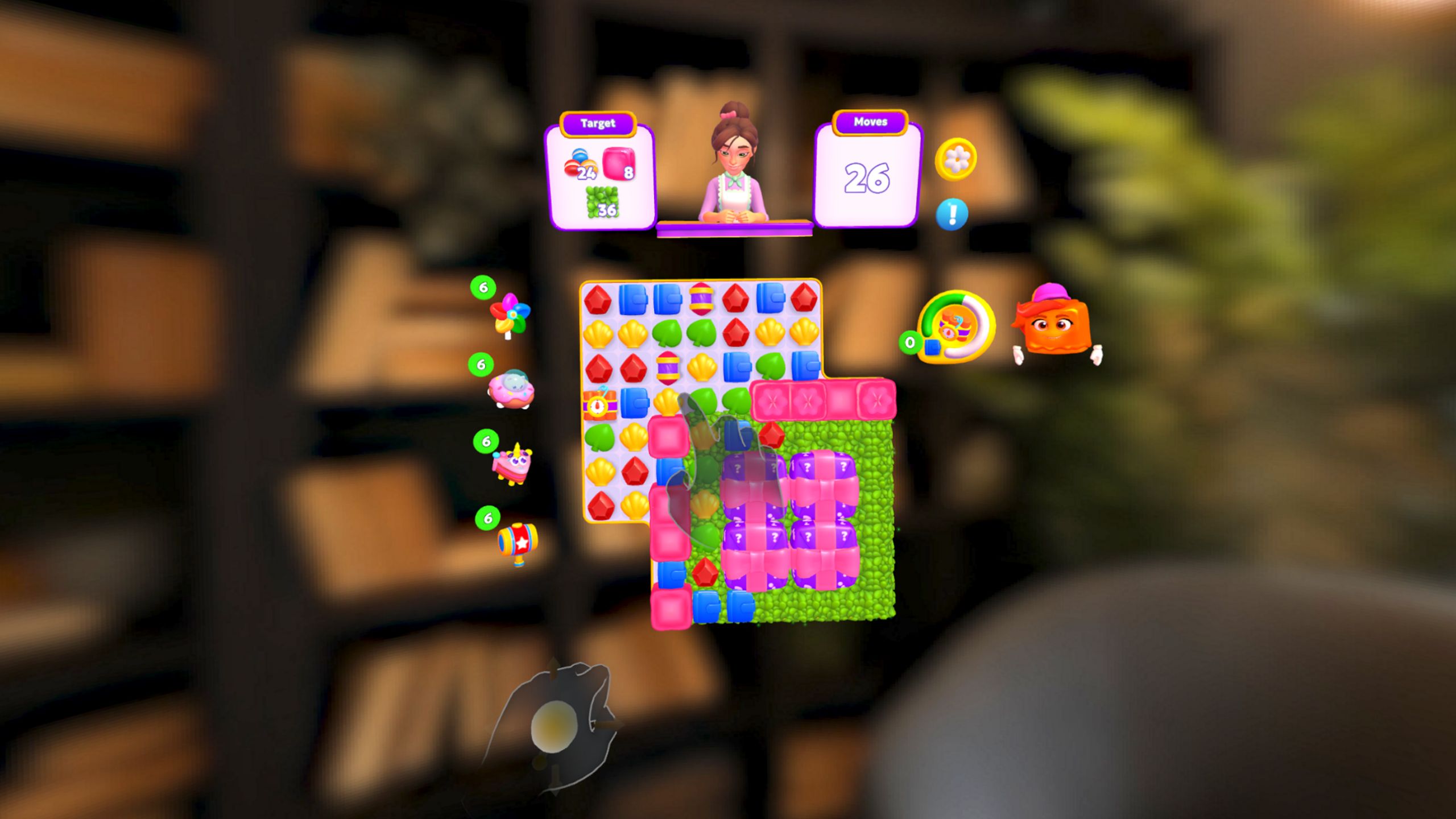
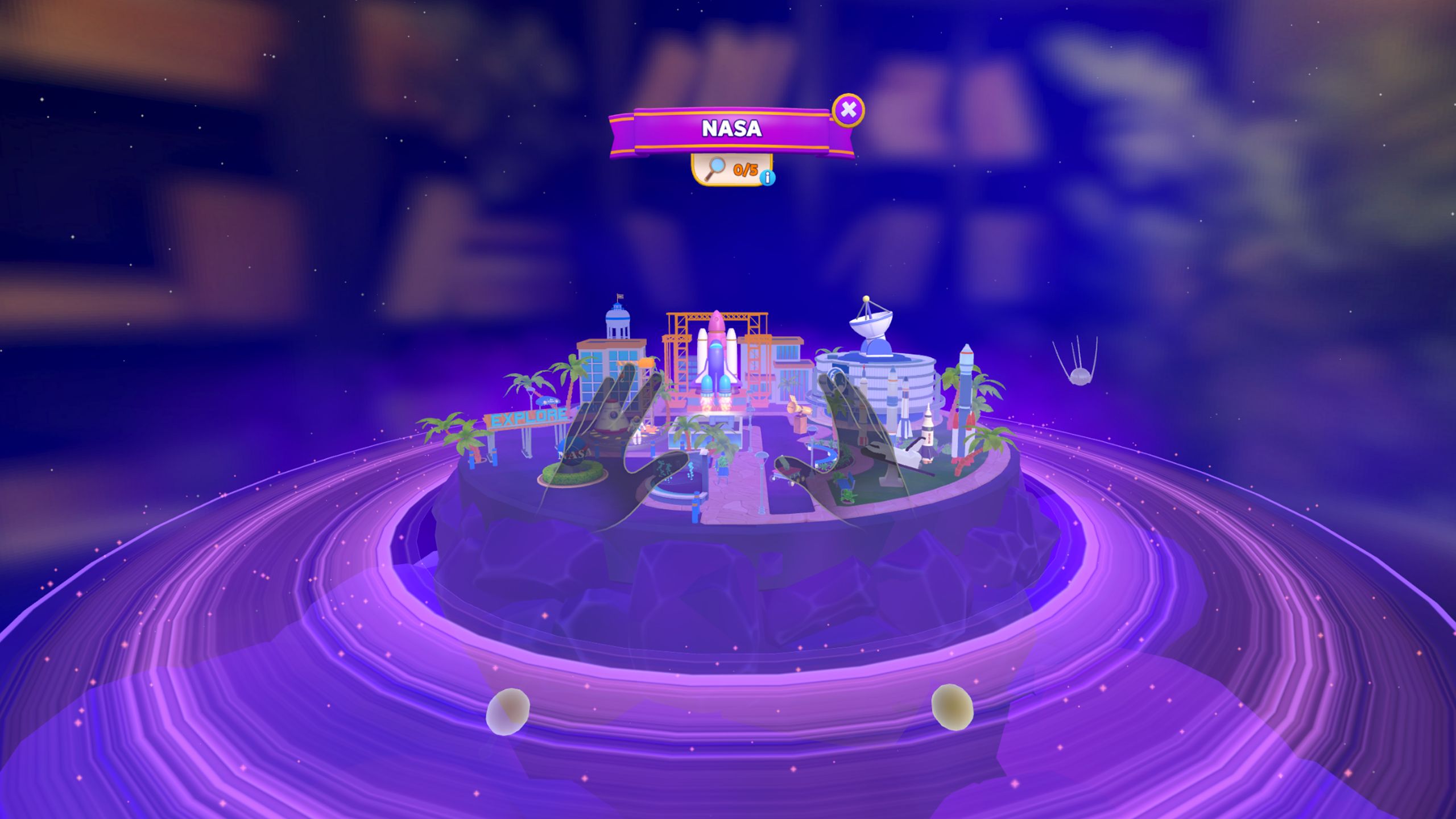
Moving the Board: Clench your left fist to “grab” the anchor ball and reposition your workspace.
Scaling: Use the gear icon to grow (+) or shrink (-) the board to fit your room.
Zooming & Rotating: Use your left fist to zoom and your right fist to rotate the board for the perfect angle.
💡 Pro Tips for the Best Experience
To keep your hand tracking “flawless,” keep these professional tips in mind:
Stay in the Volume: Hand tracking works best when your hands are within the “tracking volume”—the area your headset’s cameras can see. Avoid placing your hands too close to your face or behind your back.
Light it Up: Ensure your room is well-lit. Low light or direct, harsh sunlight can interfere with the sensors.
Relaxed Play: Because Jolly Match 3 MR focuses on puzzle-solving rather than locomotion (moving your character), you can play entirely from a stationary, comfortable position.
We are committed to making Jolly Match 3 MR the most intuitive “hands-first” experience on the Meta Horizon store. Update your game today and try out the new Hand Rays!